
Traffic
Visits, growth, and top countries.
Traffic, MRR, and public Meta ads. The essentials, right in your browser.
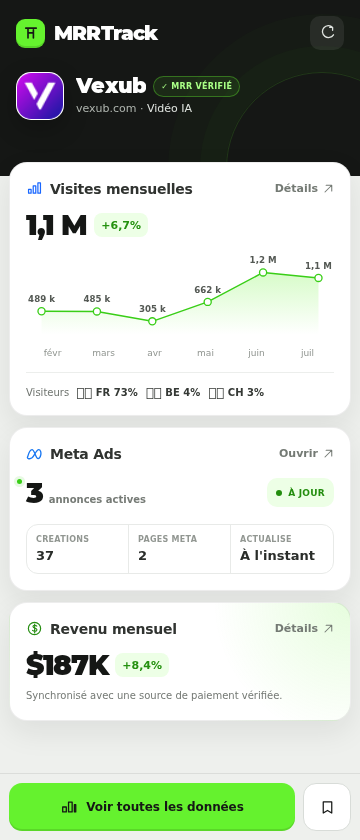
Visits, growth, and top countries.
Amount and verification level.
Public ads and creatives linked to the SaaS.
No complicated setup.
Download and unzip the file.
Load the folder from chrome://extensions.
Click the MRRTrack icon. That's it.
No Facebook cookies, session tokens, or raw payloads are sent. Only useful public data is synced when you request it.
It shows traffic, growth, visitor countries, MRR, and public Meta ad status for the SaaS you are viewing.
Download and unzip the file, open chrome://extensions, enable Developer mode, then load the unpacked folder.
No. No Facebook cookies, session tokens, private headers, or raw GraphQL payloads are sent to MRRTrack.